Get your drives out of Waze
Waze keeps the full breadcrumb trail of every drive it navigated for you. It is the richest export we read — and the fiddliest to open, because Waze encrypts the archive.
Where
waze.com/account, on a computer
Arrives
By email, usually within 24 hours
You get
A .zip, with its password in a second email
Inside
account_activity_*.csv, account_info.csv
- 01
Open your Waze account page and sign in
The export lives in the account area of the Waze website, not in the phone app. If you signed up through Google or Facebook, use the same button here.
waze.com/account
waze.com/user/download, which older guides still quote, now returns a 404. Start at waze.com/account.
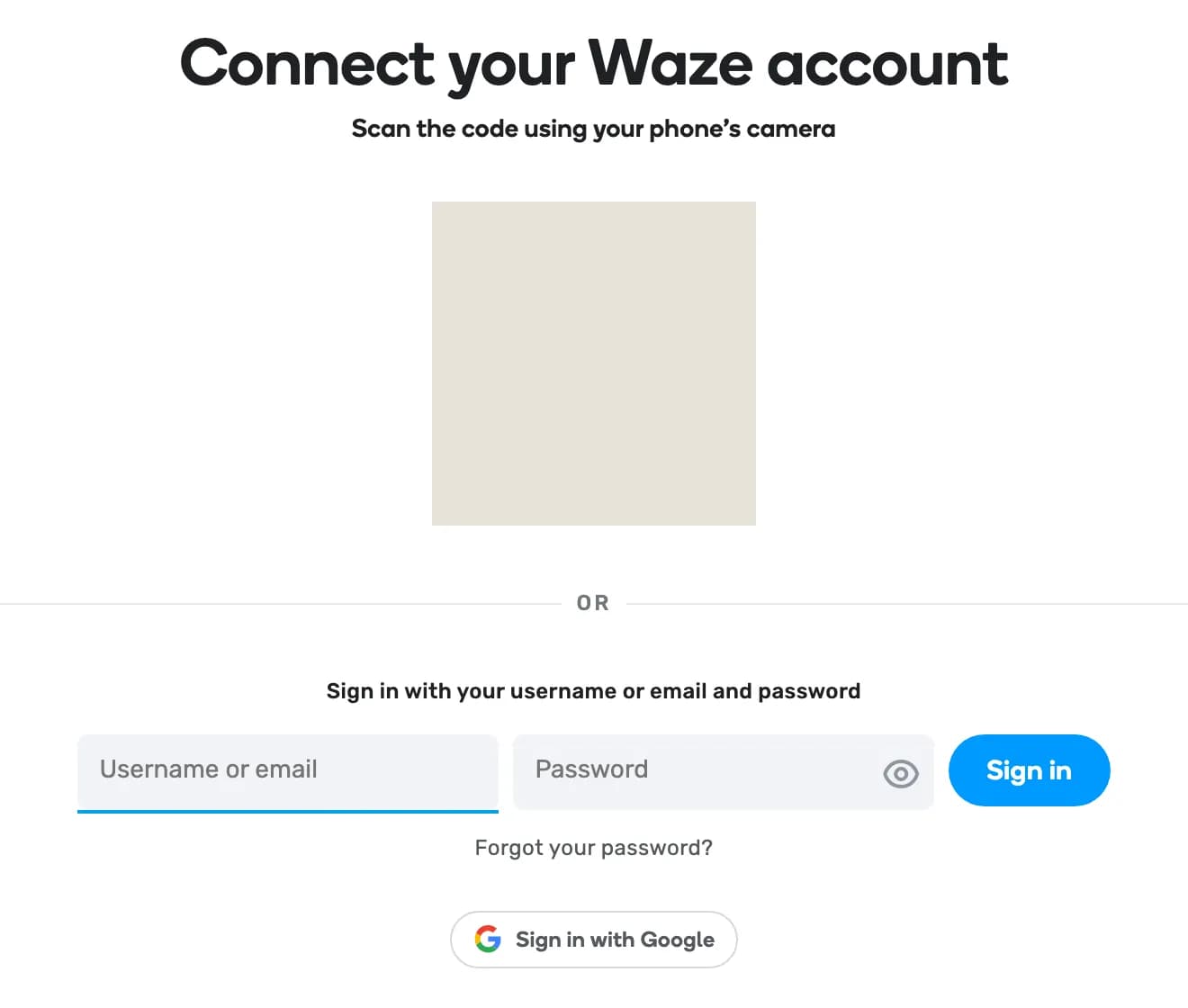
ScreenshotThe sign-in that waze.com/account redirects to when you are signed out, captured 7 September 2026. The block in the middle is our redaction, not the page: the pairing QR is a single-use sign-in token. - 02
Ask for your data archive
On the account page, choose the data download and confirm the request. Nothing to copy down here: the archive is password-protected, and Waze sends that password by email, in a message separate from the download link. Watch for two emails, not one.
Download your Waze dataRequest data archive
This may have moved. These two labels come from Waze's own help pages, not from a screen we have seen — the request form sits behind the sign-in above, and we do not sign in to photograph it. If the wording differs, look for the data download in the account area. The password arriving by email is from the archive we parsed, not from the labels.
waze.com/accountProfileSettingsPrivacyYour data
Download your Waze dataRequest data archiveArchive password — emailed separately — not shown here
DiagramDiagram — drawn, not captured, and unverified. The request form is behind the sign-in, so this shows the labels we expect rather than the pixels. - 03
Wait for the email, then unzip it yourself
The archive arrives as a download link by email, usually within a day, and the password comes in its own email — find both before you start. The zip is WinZip AES-encrypted, which macOS's built-in Archive Utility cannot open and neither can we. Any one of these three will, given that password: Keka, The Unarchiver, or 7-Zip.
Waze's help page says the link and password expire; if either has gone stale, request the archive again rather than fighting it.
waze-export/account_activity_1.csv0 bytes — normalaccount_activity_2.csv0 bytes — normalaccount_activity_3.csvthe drives — this is the oneaccount_info.csvprofile and reportsimage_2_1.pngyour avatarDiagramDiagram — what the extracted folder looks like on disk. - 04
Upload the extracted folder
Drop the whole unzipped folder into Maps of You, or re-zip it without a password first — both work. You can also upload account_activity_3.csv on its own; that single file holds the drive geometry.
Import your travelsWazeDrag your export here, or click to choose files
Empty shard files and blank Source columns are normal in a Waze export, not errors. We skip them quietly.
What we do with the file
So you know what survives the trip from their servers to your wall.
- We read the Location details section — a pipe-separated polyline of timestamped points per drive, typically three to four hundred points each — and that becomes the line on your poster.
- The Drive summary section gives each journey its origin and destination. Waze writes coordinates as (longitude latitude), the reverse of the usual order; we handle that.
- Favorites include your home address. We treat that as sensitive and it never reaches a poster.
- The Login Details section is device and session data with no geometry, so we ignore it entirely.
When it goes wrong
Where this trips people up, and what to do about each.
Got the file? That is the hard part done.
Drop it in and we draw the ground you covered — the forest, the crop, the rock, the relief of the hills — with your line on top. Nothing you upload is public, and you can delete any of it at any time.