Export your rides and runs from Strava
Strava will hand you a single activity in about ten seconds, or your entire history in a few hours. Both routes end in GPX, which is exactly what we read.
Where
strava.com, on a computer
One activity
Immediate download
Whole account
Emailed link, a few hours
You get
.gpx — plus .fit.gz and .tcx.gz in bulk
- 01
Log in to Strava on a computer
Exporting is a website-only feature. The phone app has no export screen at all, so start at strava.com and sign in the way you normally do.
strava.com/login
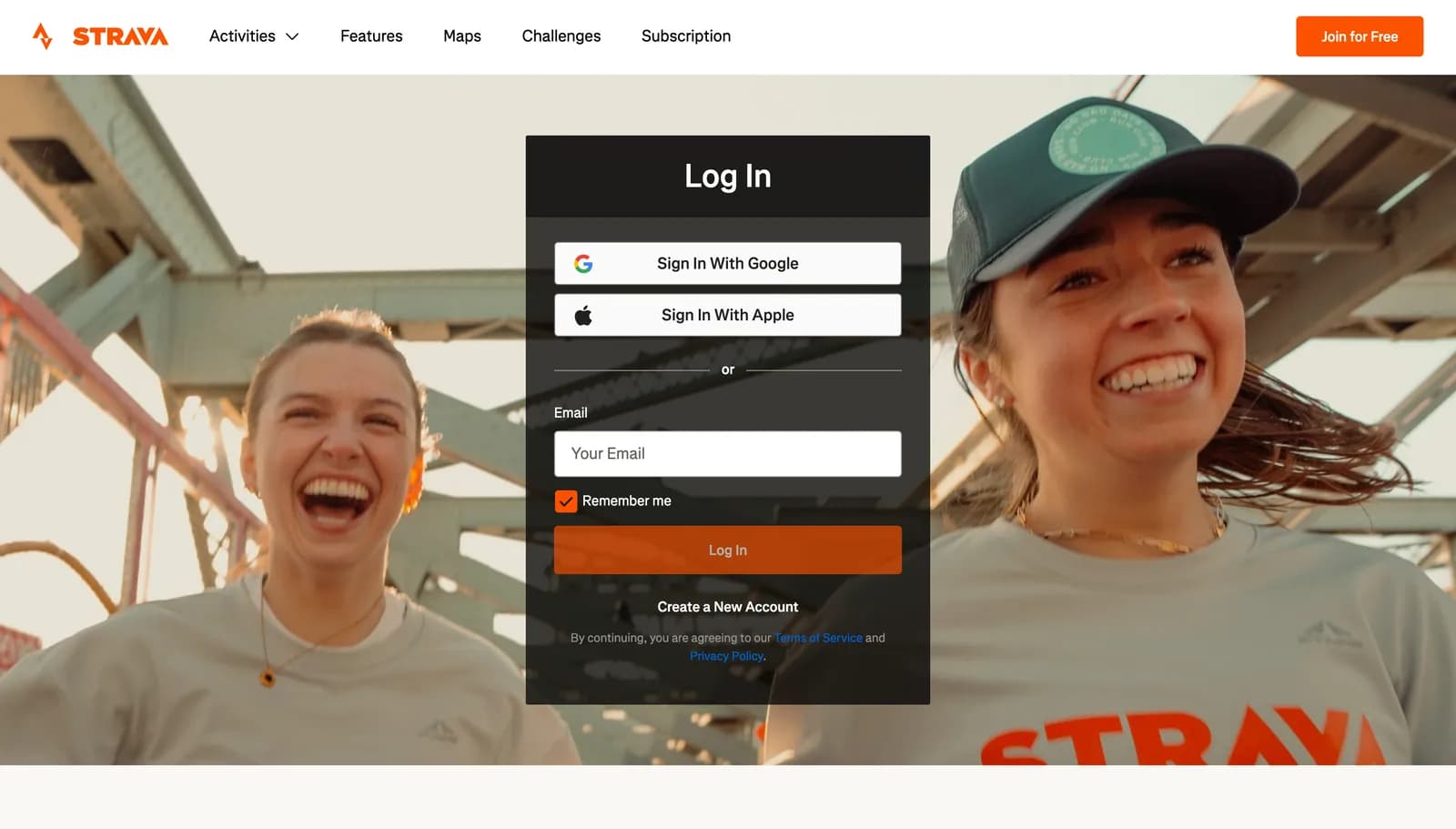
Screenshotstrava.com/login signed out, captured 7 September 2026. - 02
For one activity: open it and use the ⋯ menu
Open the activity's own page — click its title, not just its row in the feed — and use the overflow menu on the right of the activity header. The file downloads straight away, named after the activity.
Activity page⋯Export GPX
This may have moved. An activity page is behind your Strava login, so these labels come from Strava's help pages rather than a screen we photographed. If you only see Export Original, the activity came from a device and Strava is offering you the raw upload — Export GPX sits in the same menu for activities that have it.
The overflow (⋯) menu on the activity header
EditExport GPXExport Original.fit or .tcxExport RouteDeleteDiagramDiagram — the overflow menu on an activity page. - 03
For everything: request a bulk export
From your profile menu open Settings, then the My Account tab. Under “Download or Delete Your Account” start the flow and request only the archive — the same screen also offers deletion, so read the buttons before you click.
SettingsMy AccountGet StartedRequest your archive
This may have moved. Settings sit behind the login too, so these four labels are Strava's help-page wording rather than pixels we have seen. Read every button before you click: this screen is also where account deletion lives, and you want the download step only.
strava.com/settings/profileMy ProfileMy AccountDisplay PreferencesPrivacy ControlsDownload or Delete Your Account
Get StartedStep 1 — Download Requestthe one you wantRequest your archiveStep 2 — Delete — do not continue past step 1
DiagramDiagram — the My Account tab in Strava settings. - 04
Wait for the email, then look in activities/
Strava emails a download link when the archive is ready — its own help page says this may take a few hours. Unzip it and open the activities folder: that is where the tracks live.
activities/
export_########/activities/1234567890.gpxrecorded in the app1234567891.fit.gzfrom a watch1234567892.tcx.gzfrom an older deviceactivities.csvthe indexprofile.csvDiagramDiagram — the useful part of a Strava bulk archive. - 05
Upload the GPX
Pick the .gpx files out of that folder and drop those into Maps of You — one, a hundred, all of them. Leave the .fit.gz and .tcx.gz behind; the dropzone takes .gpx and .zip only. Each track segment becomes a journey you can keep or discard on the review map.
Import your travelsGPXDrag your export here, or click to choose files
We do not read .fit or .tcx. If most of your history is in those, convert them first, or export the activities you care about individually as GPX.
What we do with the file
So you know what survives the trip from their servers to your wall.
- Every <trkseg> in the file becomes one journey, so a ride you paused for lunch arrives as two neat segments rather than a line across the café.
- Timestamps come through, so distances and dates on the poster are real rather than inferred.
- Heart rate, cadence and power extensions are ignored. We only want the geometry.
- Strava's activity type feeds our mode guess — ride, run, walk — which is what colours the journey list.
When it goes wrong
Where this trips people up, and what to do about each.
Got the file? That is the hard part done.
Drop it in and we draw the ground you covered — the forest, the crop, the rock, the relief of the hills — with your line on top. Nothing you upload is public, and you can delete any of it at any time.